Guide
How to shoot clothes for ghost mannequin editing
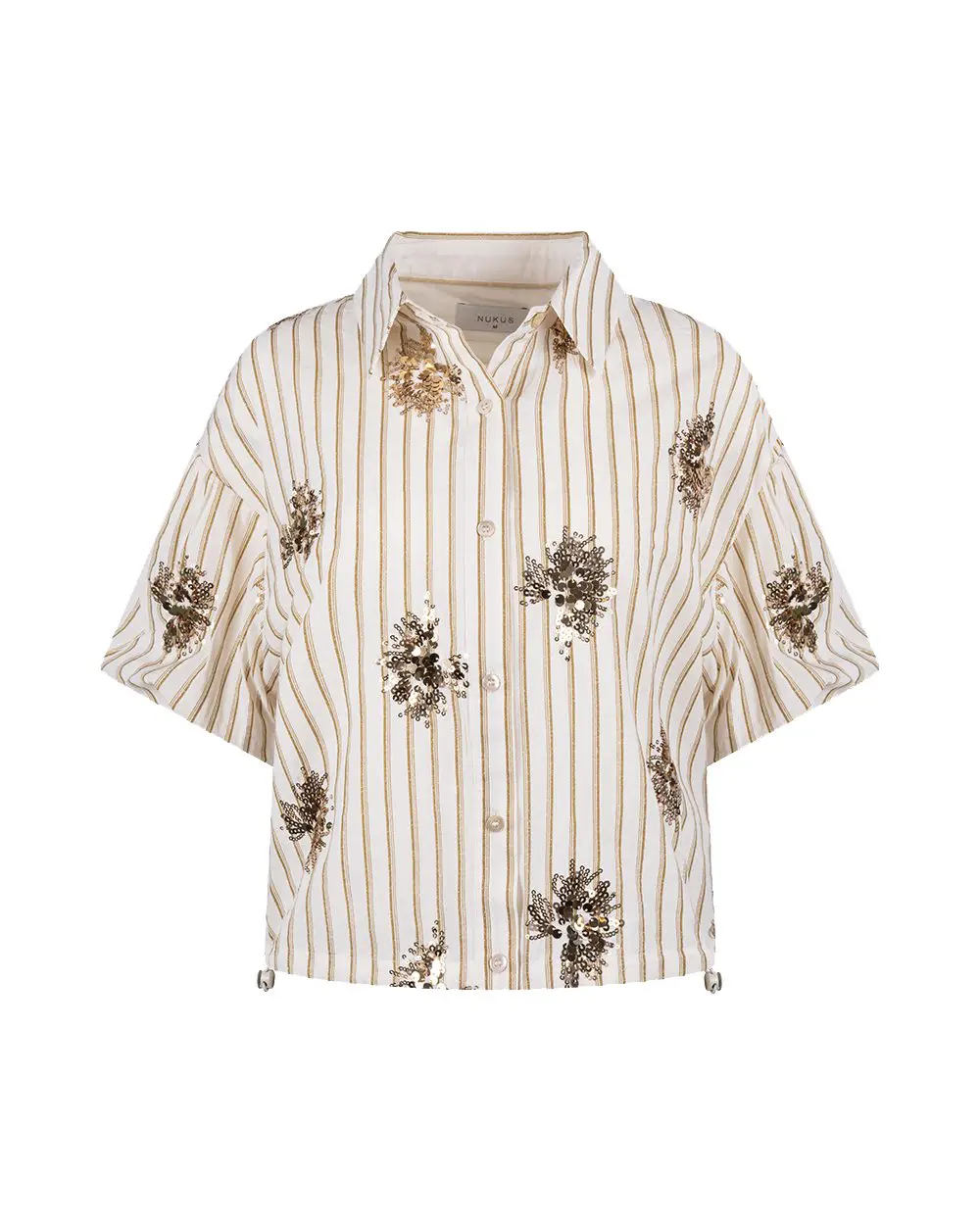
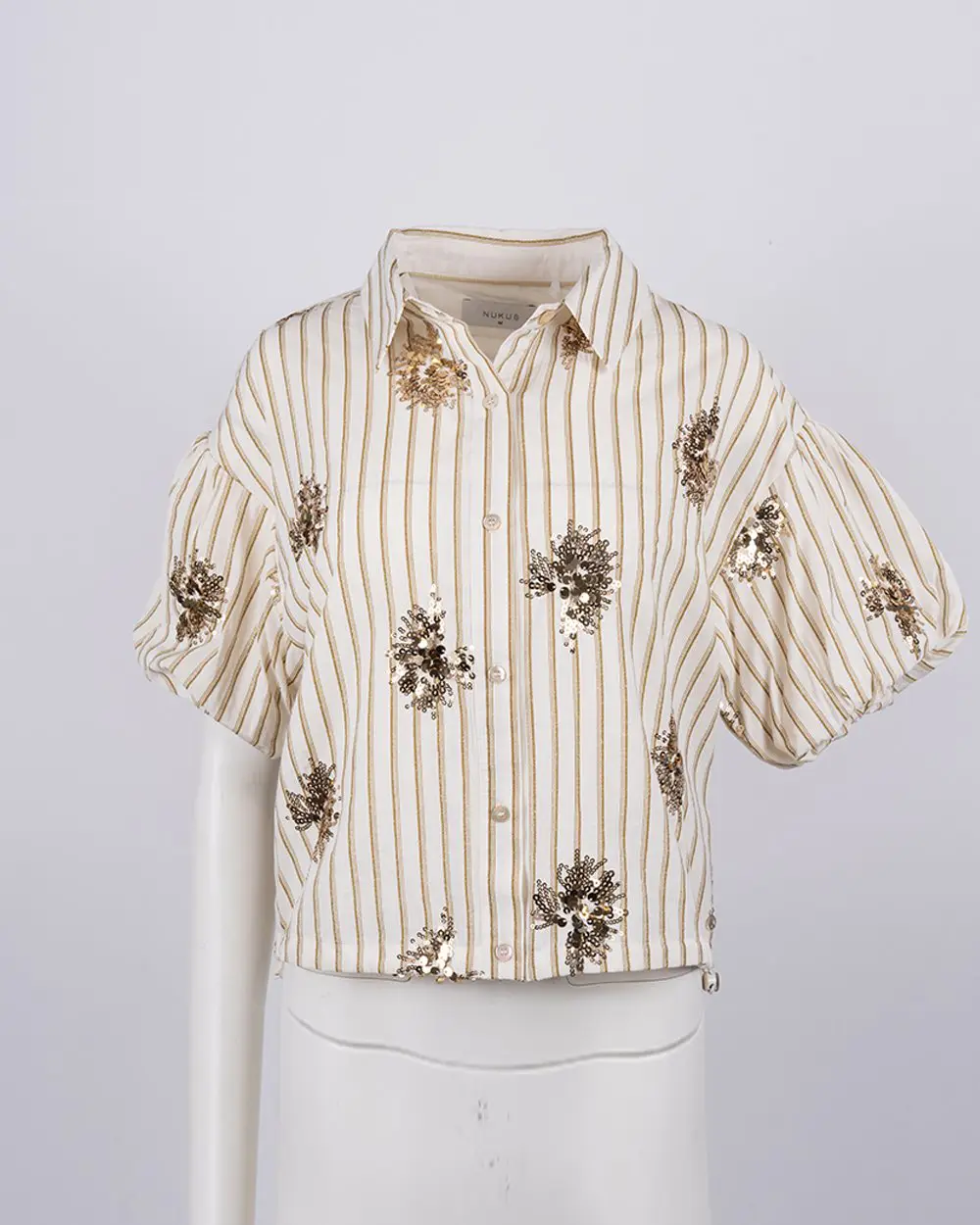
Shoot the garment on a mannequin from the front and from the back, and add a shot of the inside of the neck if you can. Keep the camera, the light and the position of the garment the same in every shot, because the editor joins the shots into one garment with no mannequin in it. Ghost mannequin editing, also called invisible mannequin editing, then shows the garment as if someone were wearing it.
What ghost mannequin editing does
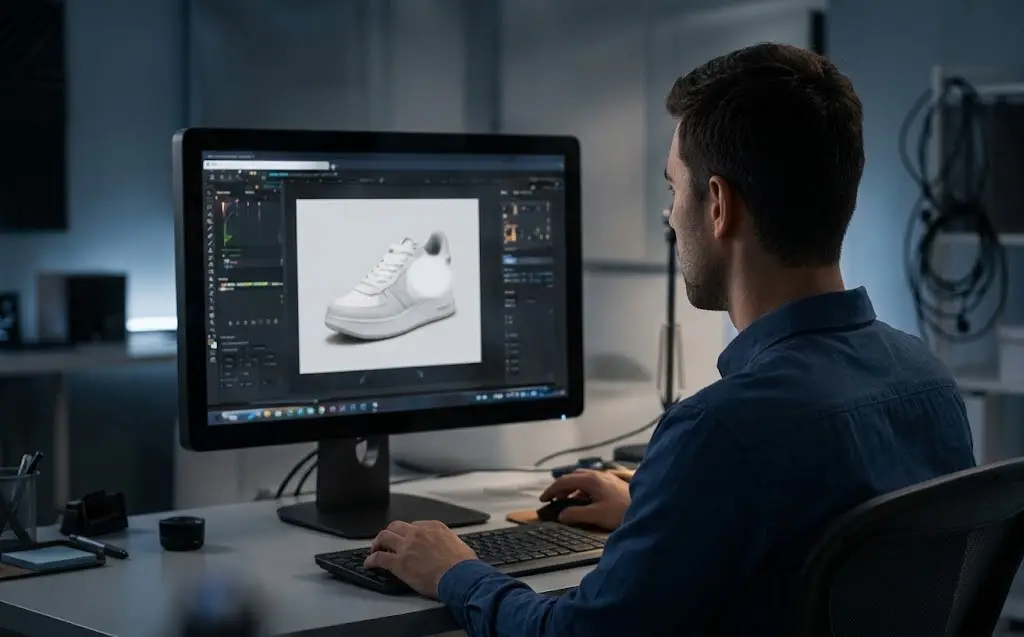
A ghost mannequin image shows the garment holding its shape with no mannequin in the picture. The editor removes the mannequin and joins the pieces into one clean garment shape, with the inside of the neck shown.
A neck joint is the part of that work that merges the front, back and inside of the neck into one natural form, so the collar looks worn even though nothing is behind it.
The shots to take
- The front of the garment on the mannequin, with the whole garment inside the frame
- The back of the garment on the mannequin, from the same distance and height as the front
- The inside of the neck, with the collar opened so the inner back is visible
- Extra shots of the sleeves, hem or waistband when the mannequin hides part of them
Set up the camera and the light
Put the camera on a tripod and keep its height, distance and zoom the same for every shot, and turn the mannequin instead of moving the camera. Use the same light for every shot, because a change in brightness or color between the front and the back makes the pieces harder to match.
Prepare the garment
- Steam or iron the garment, because wrinkles are easier to prevent than to retouch
- Fit the garment so it follows the shape of the mannequin, and use clips or pins at the back to take up loose fabric
- Close zippers and buttons the way a customer would wear them
- Remove tags, threads and lint before the first shot
Check the shots before the garment comes off
Open the front, back and neck shots at full size on a screen while the garment is still on the mannequin, so a blurred or missing shot can be retaken. Name the files so that the front, back and neck shots of each garment sit together, and add a note when one folder holds several garments.
Shooting a whole range
When a store sells a range of garments, use the same mannequin, camera position and light for every one, so the finished images match across the catalog. Shoot one garment completely before you start the next, and keep the shots of each garment in one folder.
Mistakes that make the edit harder
- Moving the camera between the front and the back shot
- Changing the light between shots
- Cutting the garment off at the edge of the frame
- Leaving clips or pins where they show at the front
When ghost mannequin suits the garment
Ghost mannequin suits garments that depend on shape, such as jackets, dresses and shirts, because it shows the shape, drape and fit as if the garment were worn. Flat lay suits folded knitwear, t-shirts and accessories that look right laid out on a surface, and a store can use each style where it fits.
How SNS Forge handles this
Send the front and back shots, and the inside-of-neck shot if you have one. We remove the mannequin and join the pieces into one clean garment shape, and we check that the neck, hem and sleeves join into one natural form. Ghost mannequin and neck joint work are part of our e-commerce photo editing.