Guide
Clipping path vs image masking: which one do you need?
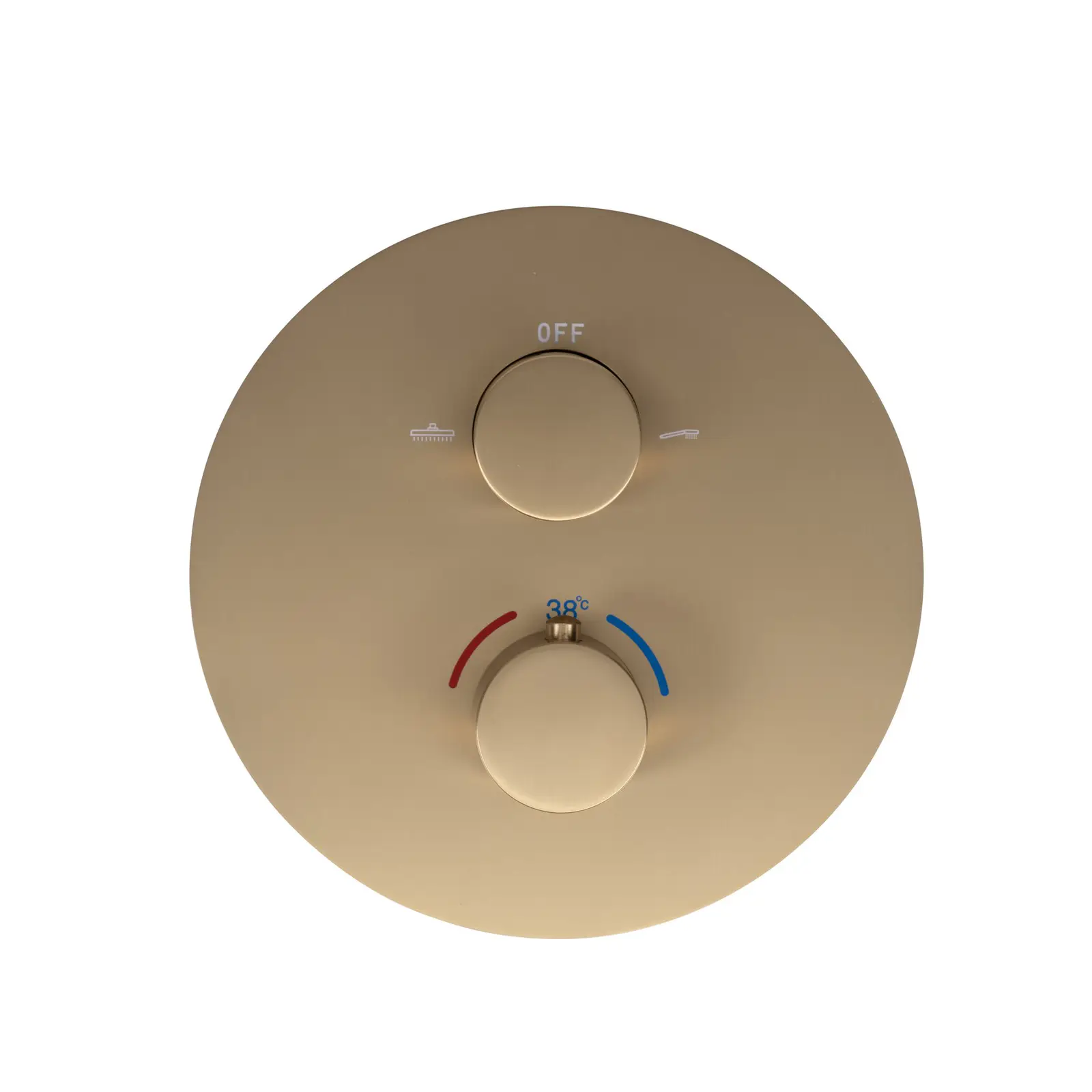
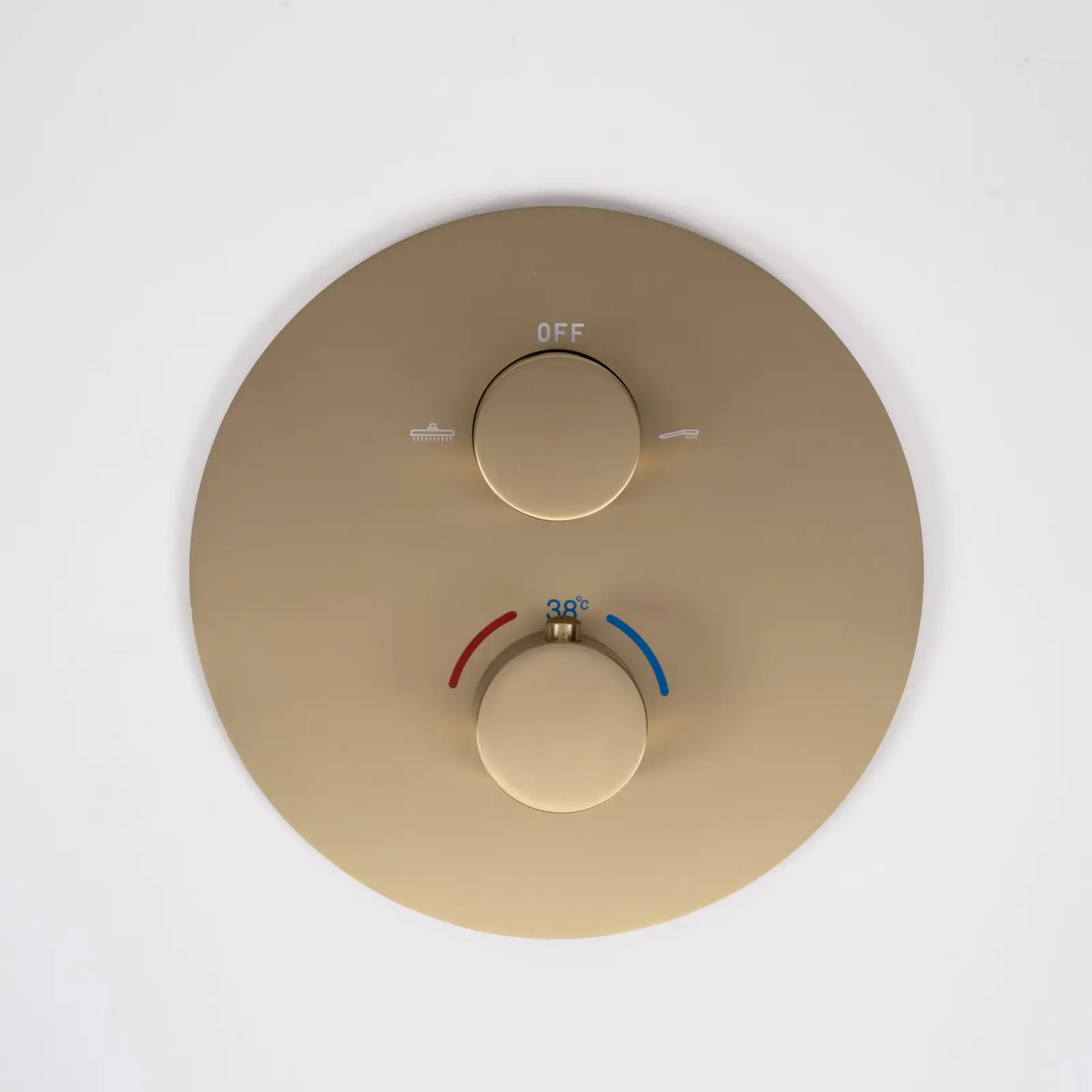
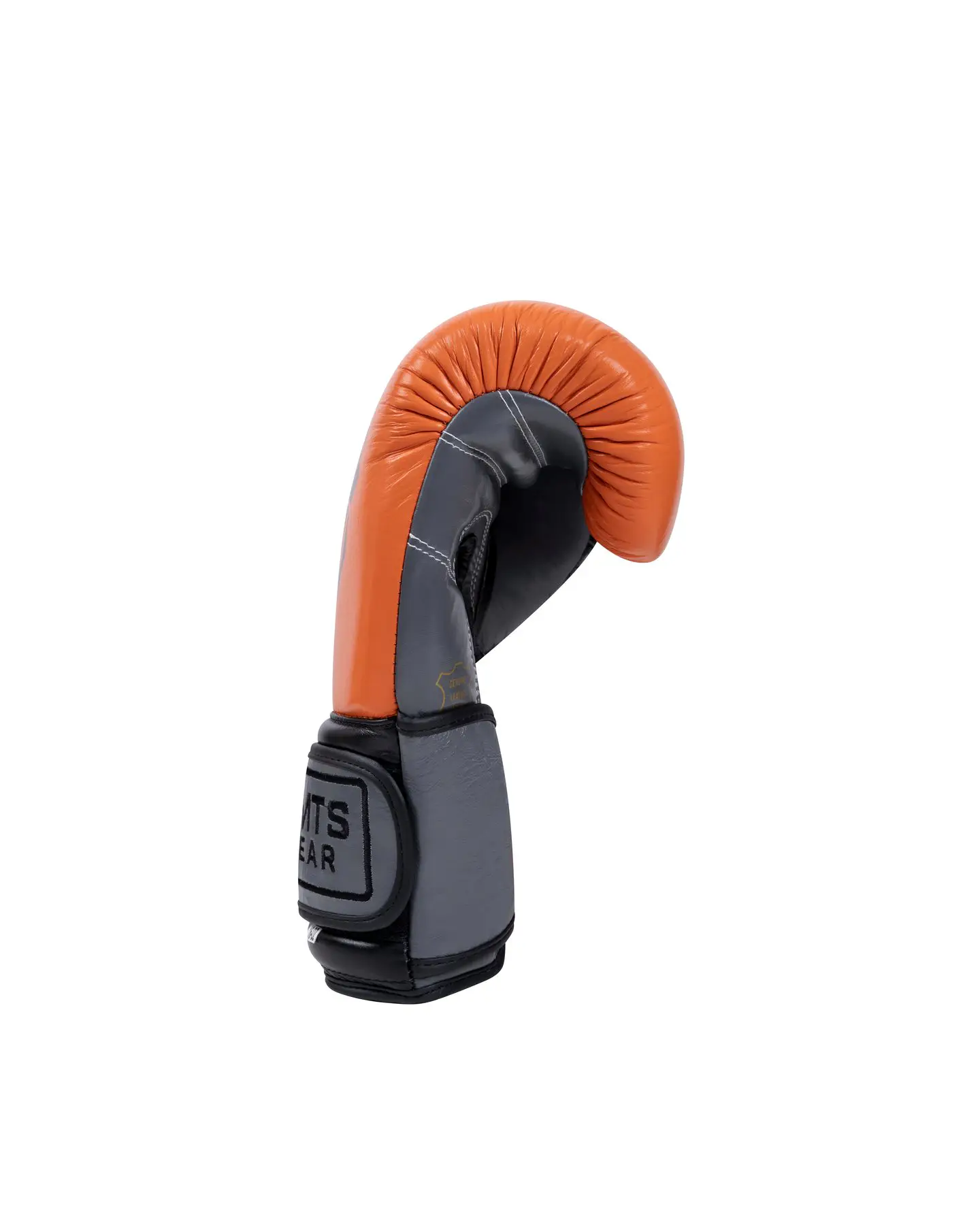
Use a clipping path when the subject has a hard, clearly defined edge, such as a bottle, a shoe or a chair, and use image masking when the edge is soft or see-through, such as hair, fur, glass or a veil. A clipping path draws a vector outline with a sharp edge, and a mask keeps partial transparency along the edge. Many photos need only one of the two, and some need both.
How the two methods differ
A clipping path is a vector outline that separates what is kept from what is removed along one clean line. An image mask stores a level of transparency for each part of the edge, so the edge can fade gradually and fine detail can stay partly visible. That difference decides which kinds of subject each method can hold on to.
Subjects that suit a clipping path
- Bottles, jars and boxes
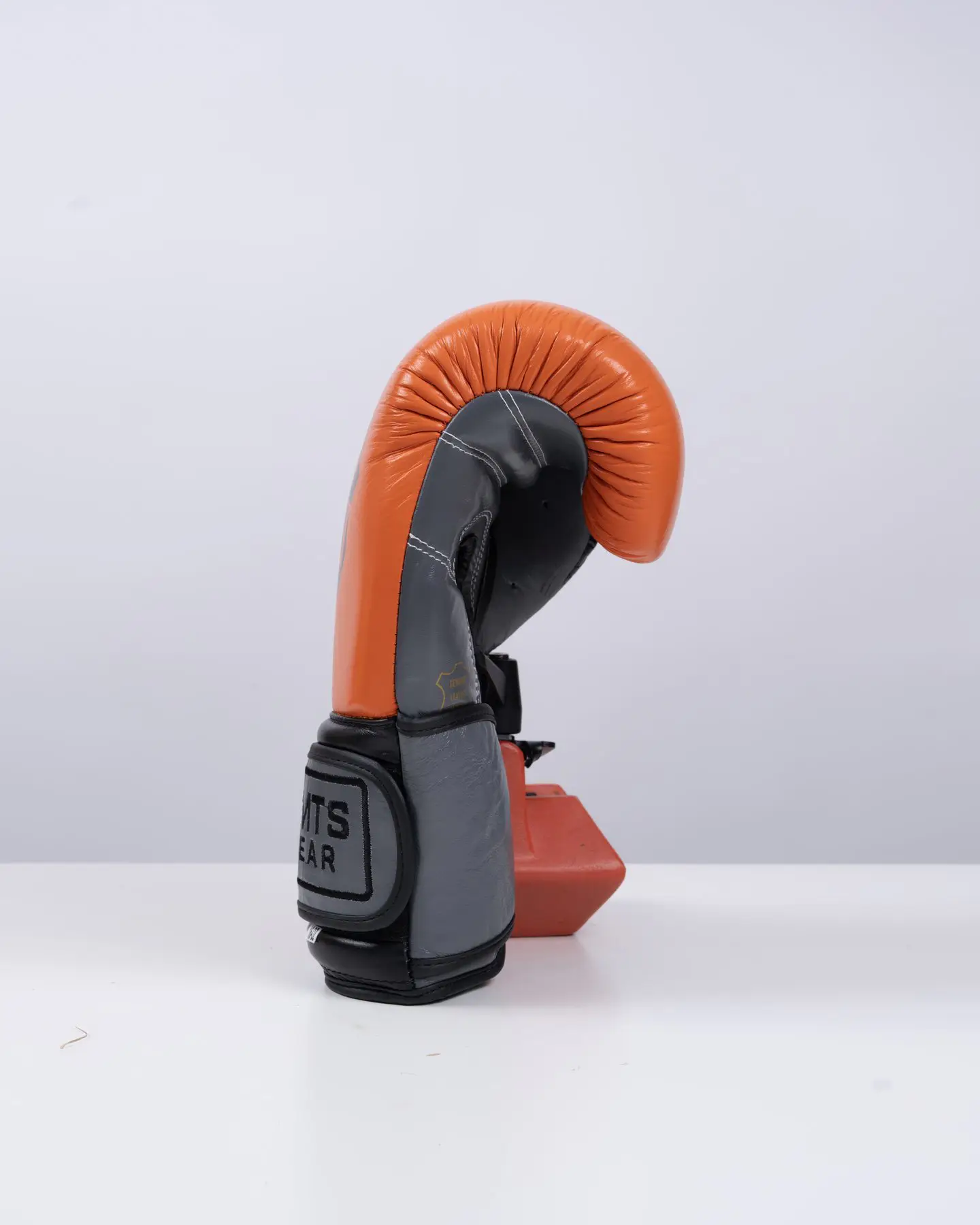
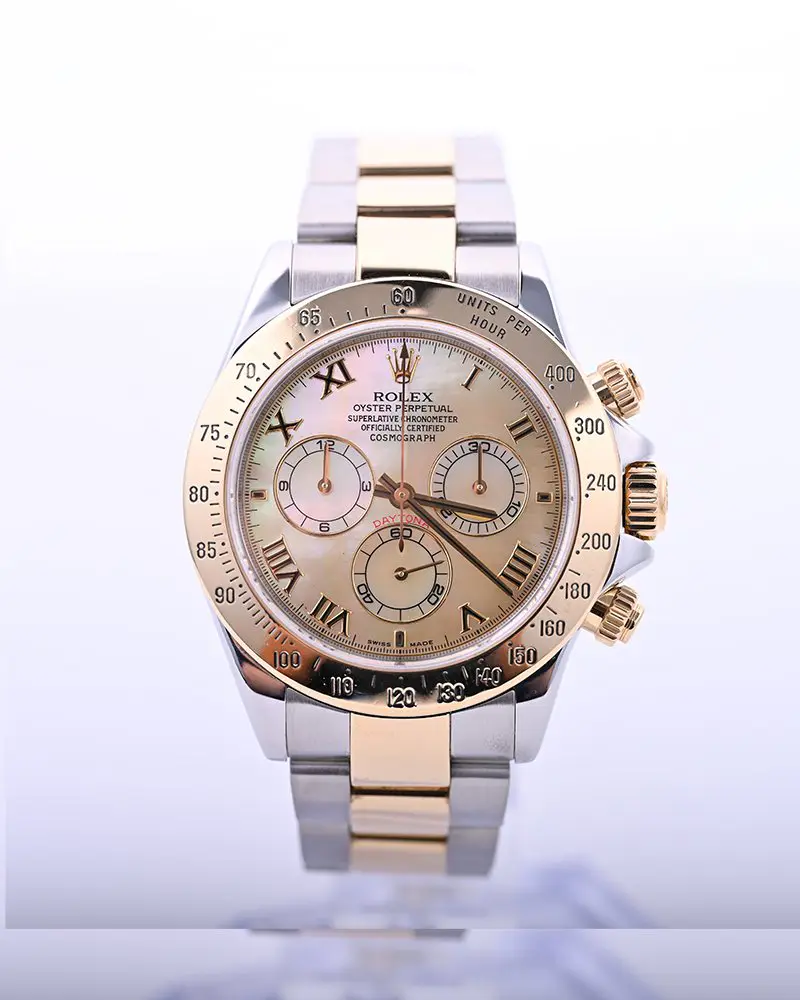
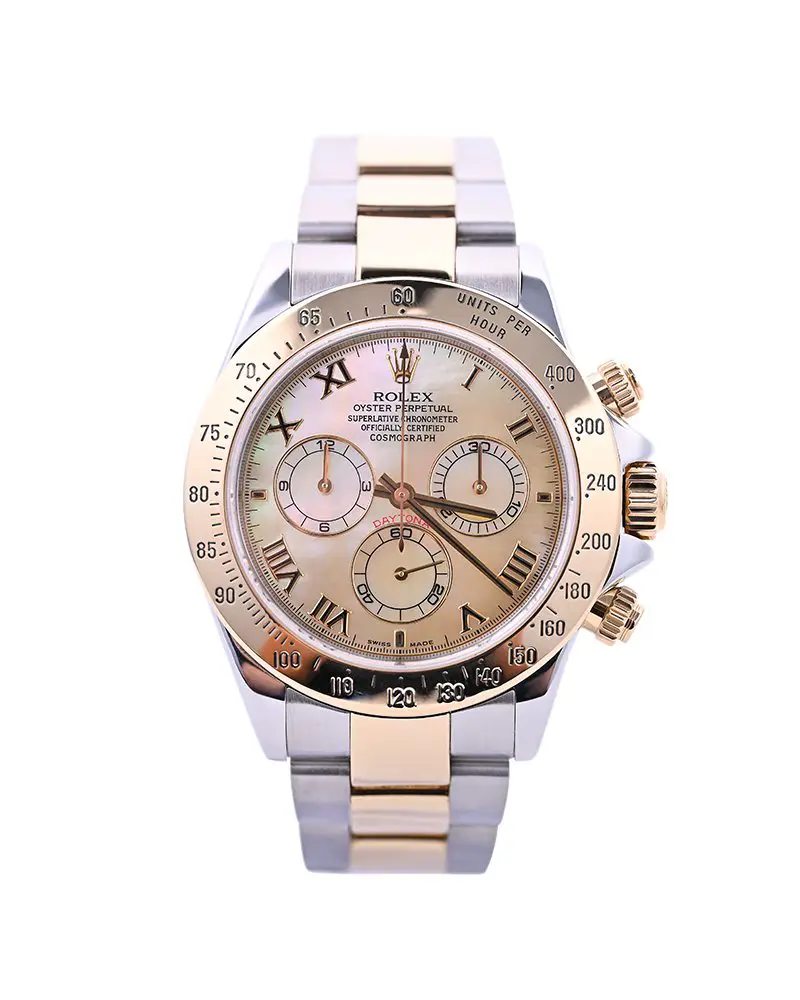
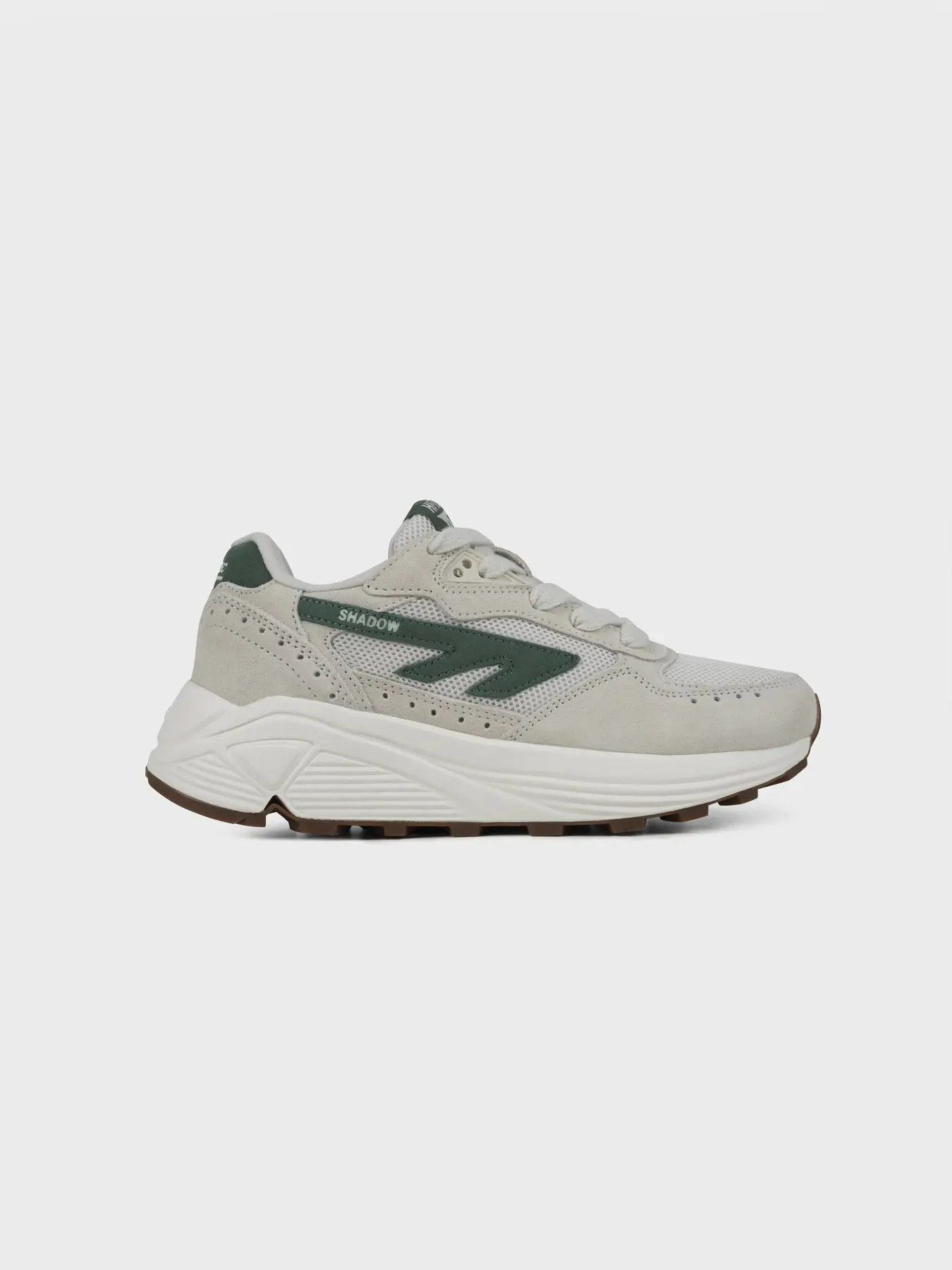
- Shoes, bags and watches
- Furniture, bicycles and machinery
- Products with openings, such as chair legs, handles and straps, which get a path for each opening
Subjects that need image masking
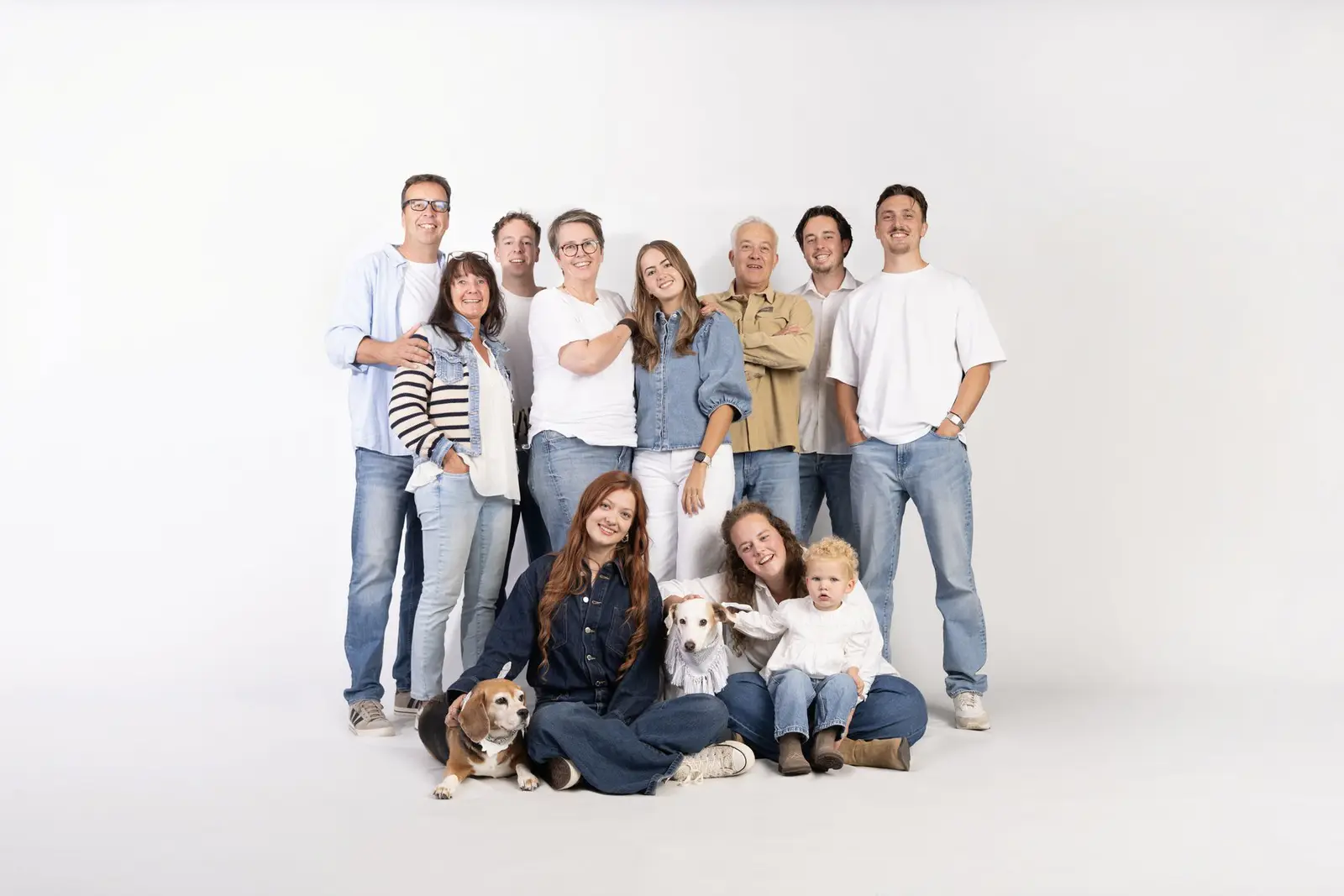
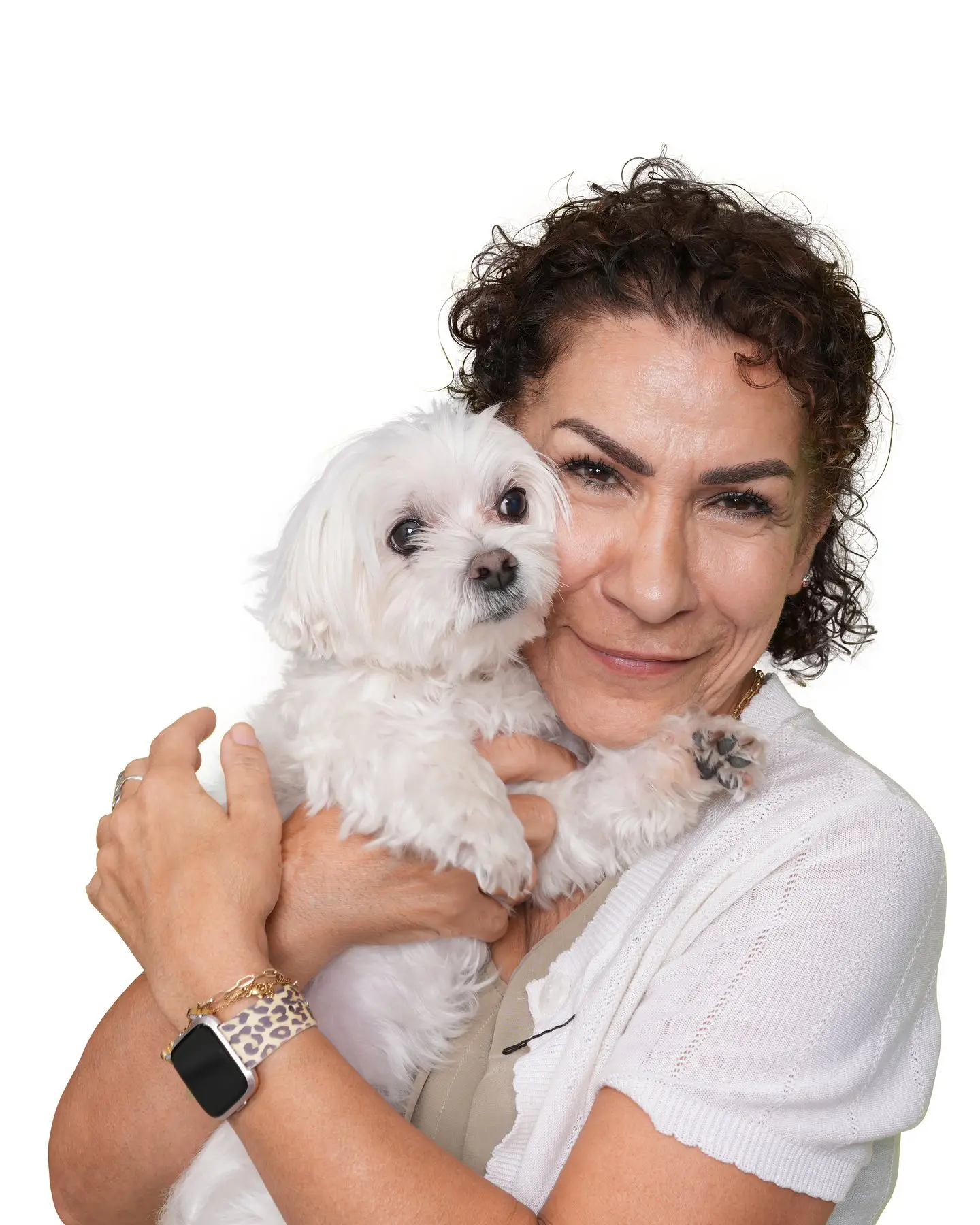
- Portraits with loose or flyaway hair
- Animals with fur
- Glass bottles and glassware, where the background shows through
- Veils, thin fabric and frosted material
- Objects with soft or irregular outlines that a path would flatten
When one photo has both
A model holding a leather bag shows both cases in one frame, because the bag has a hard outline that a path follows exactly and the hair has fine strands that need a mask. A perfume bottle with a glass body and a metal cap is another example, since the cap has a clear edge and the glass lets the background show through. A sample image shows which parts of a photo fall into which group.
A quick test you can run
Zoom in to the edge of the subject at full size and look at what is there. If the edge is a clear line with no detail beyond it, a clipping path fits. If you can see single strands, a soft fade or the background showing through the subject, the photo needs a mask.
Mistakes when choosing a method
- Using a path on hair, which turns loose strands into one solid shape
- Using a mask on a bottle or a shoe, where a path gives an exact edge with less work to adjust
- Choosing a method before deciding which background the subject will sit on
Catalog work with products that have clear outlines usually calls for paths, and portrait and fashion work with loose hair or fabric usually calls for masks.
How each result is saved
- A clipping path can be stored inside a PSD or TIFF, so your team can load it again without redrawing.
- A layer mask sits on its own layer in a PSD, so the edge can be repainted later without starting again.
- An alpha channel mask is stored as a channel in a TIFF, so the same selection can be loaded again for repeated or complex extractions.
Why the new background matters for masks
An edge that looks right on white can show a fringe of the old backdrop on black, so a mask is refined for the background it will sit on. Tell the editor the final backdrop when you order, and the edge can be set for it.
How SNS Forge handles this
Send a sample image and we tell you which method fits before you order. We draw clipping paths by hand and can save the path inside a PSD or TIFF. For masking, we refine the edge for the background you name, and a PSD returns the mask as its own layer while a TIFF returns it as an alpha channel.